

What if your weekly meal plan built your grocery list for you, and you barely lifted a finger?
Ready-made Notion meal planner templates do exactly that.
They link recipes, calendars, and groceries so planning stops being a chore.
They cut setup from hours to minutes, prevent duplicate buys, and help you pick meals that fit busy nights.
This post shows where to find good templates, how to install them, and the simple tweaks to make one fit your family.
If you want easier weekly planning, this is the practical guide.
Download Ready-Made Notion Meal Planner Templates
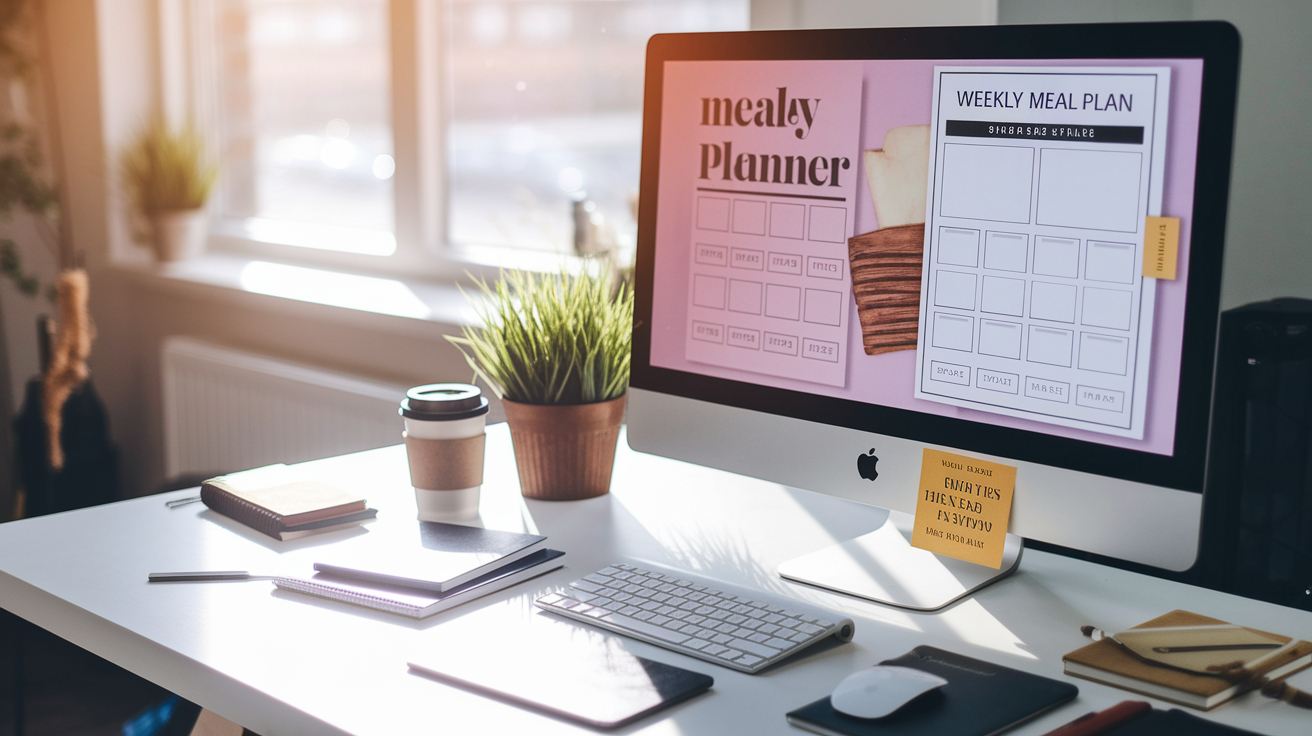
Starting with a ready-made template cuts your setup time from hours to minutes. You duplicate a working system and adjust it to fit your household instead of building databases from scratch and figuring out how to connect recipes to shopping lists. Templates also show you what’s possible inside Notion, making it easier to add features later without breaking what already works.
Quality meal planner templates usually include:
- Recipe database with fields for ingredients, instructions, prep time, servings, and source
- Weekly calendar view that shows which meals land on which days, with drag and drop assignment
- Auto-populated grocery list that pulls ingredients from your planned meals and filters out pantry items you already own
- Nutritional tracking fields for calories, macros, or dietary tags like “high protein” or “under 30 minutes”
- Meal prep scheduling with checkboxes and notes for batch cooking tasks on Sundays or whenever you prep
- Pantry inventory database that tracks what you have on hand and flags items running low
To install a template, open it in Notion, click “Duplicate” in the upper right corner, and the entire structure copies into your workspace. All the databases, views, and connections come with it. Delete the sample data (placeholder recipes and meals), add your own recipes, and start planning your first week. The databases are already linked, so when you assign a recipe to Tuesday dinner, its ingredients show up in your grocery list automatically.
Free templates live in Notion’s official template gallery under “Life” or “Food & Drink.” Community creators share templates on Reddit, Twitter, and personal blogs. Third party marketplaces like Gumroad and Etsy also sell more elaborate versions with pre-loaded recipes, aesthetic layouts, or niche features like macro calculators and meal cost tracking.
Essential Features of a Notion Meal Planner
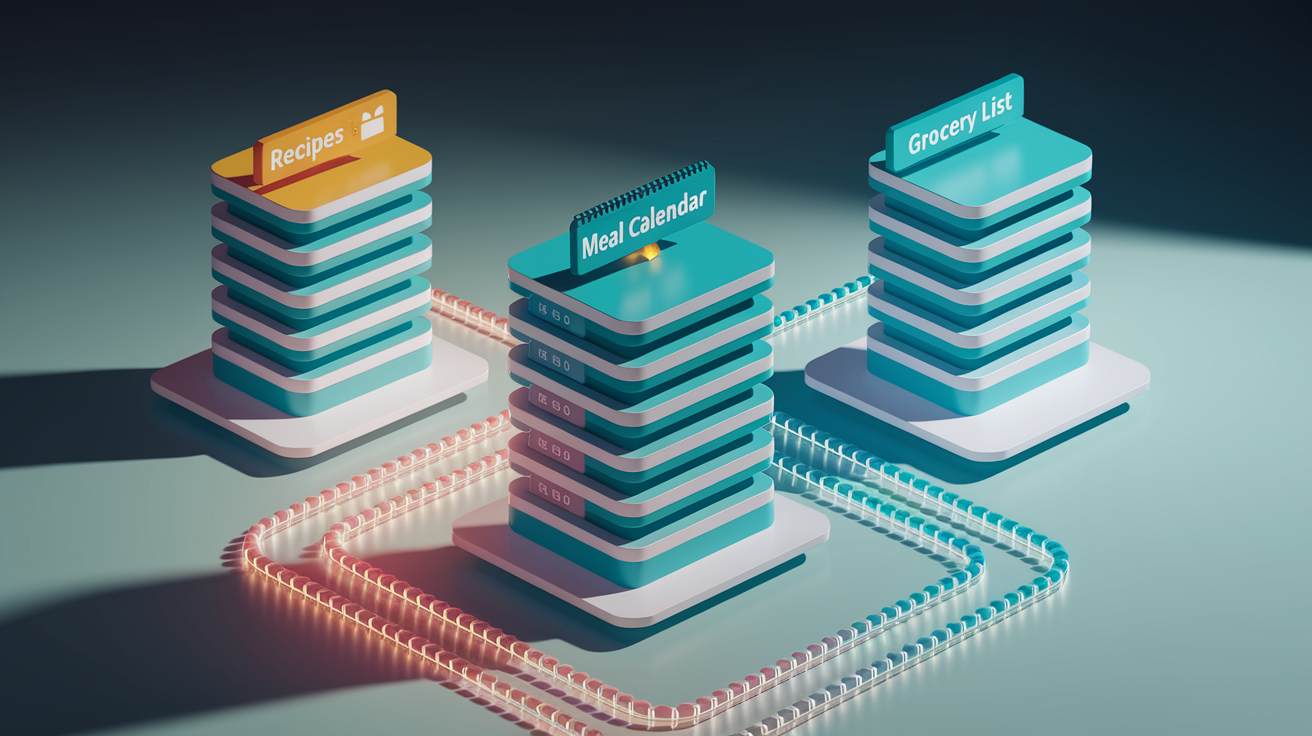
A meal planner only saves time if the databases talk to each other. The recipe database needs to feed the meal calendar, which needs to generate the shopping list without manual retyping. The right properties and views make that flow automatic.
| Feature | Purpose | Notion Property Type |
|---|---|---|
| Recipe Database | Stores all recipes with ingredients, instructions, tags, and prep time | Database with Text, Multi-select, Number properties |
| Meal Calendar | Visualizes which meals are planned for each day of the week | Database with Date property, displayed in Calendar view |
| Grocery List | Aggregates ingredients from planned meals into one shopping list | Database with Relation and Rollup properties |
| Nutritional Info Tracker | Tracks calories, protein, carbs, and fats per meal or per day | Number properties, Formula properties for totals |
| Meal Tags/Categories | Filters meals by type (breakfast, dinner), cuisine, or diet (vegan, keto) | Multi-select or Select properties |
| Ingredient Inventory | Tracks pantry stock to avoid buying items you already have | Database with Checkbox (in stock) and Number (quantity) properties |
| Prep Time Tracking | Shows how long each meal takes, helping you match recipes to busy days | Number property (minutes), Select for difficulty level |
Relational databases are the backbone. When you create a “Recipe” relation property in your meal plan database, you link each planned meal to its full recipe entry. That connection unlocks rollup properties, which pull ingredient lists from all your weekly recipes into a single grocery database. You never manually copy “chicken breast” or “olive oil” into your shopping list. Add the recipe to Monday dinner, and the ingredients appear automatically.
Different views handle different tasks. Calendar view shows the big picture across the week, helping you spot nights when you scheduled two high effort meals back to back. Gallery view displays recipe cover photos, turning meal selection into a visual process, like flipping through a cookbook. Table view is best for editing multiple entries quickly or sorting by prep time to find fast options for Wednesday when you work late. Switching between views on the same database lets you plan with images on Sunday and check details in a table on Tuesday.
Building Your Own Notion Meal Planner From Scratch
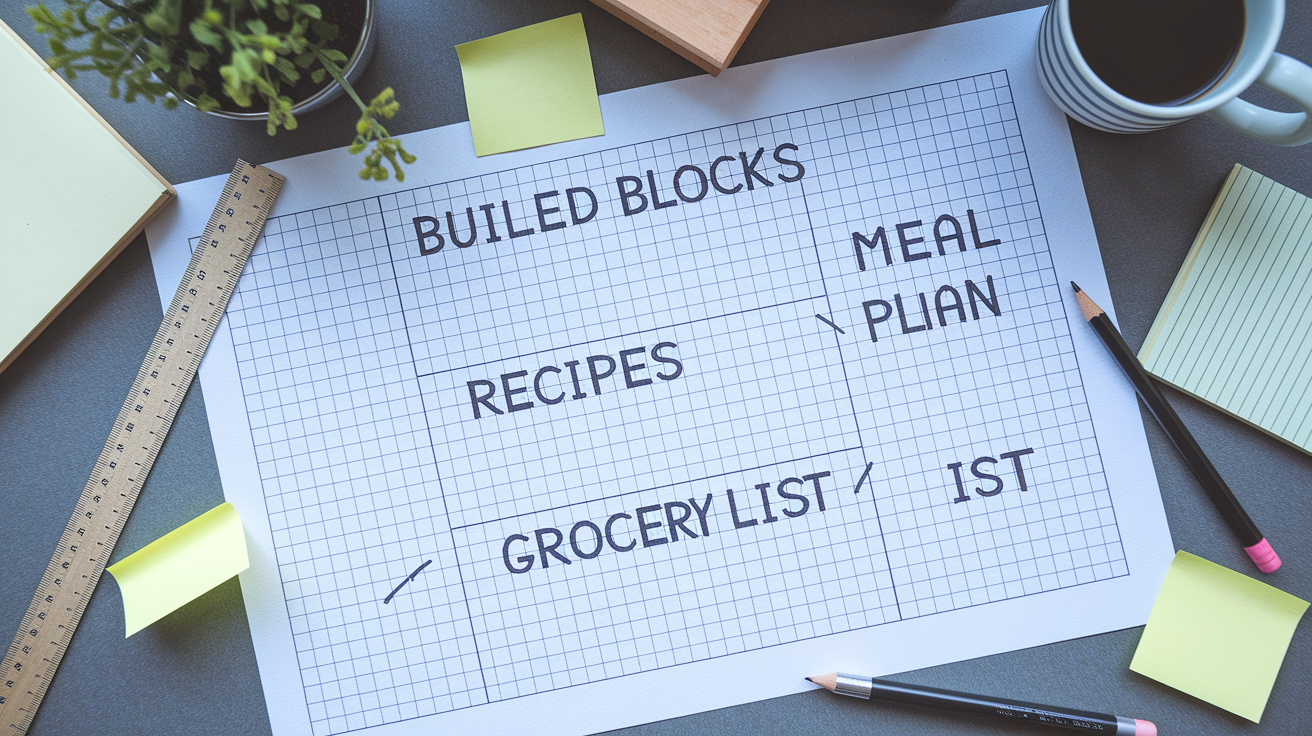
Building from scratch gives you exactly what you need and nothing you don’t. If you meal prep alone and don’t care about calorie tracking, you skip those fields. If you cook for a family with three different dietary restrictions, you add the tags and filters that a generic template might not include.
Here’s the step by step build:
-
Create a new page called “Meal Planner” in your Notion workspace. This is your home base.
-
Add a database and name it “Recipes.” Add properties: Title (default text), Ingredients (text, use bullet points or line breaks), Instructions (text), Prep Time (number, in minutes), Servings (number), Cuisine (multi-select tags like Italian, Mexican, Thai), Meal Type (multi-select: breakfast, lunch, dinner, snack), Source (text or URL for where you found the recipe).
-
Create a second database called “Meal Plan.” Add properties: Meal Name (relation to Recipes database), Date (date property), Meal Type (select: breakfast, lunch, dinner), Notes (text for “double the veggies” or “prep rice night before”).
-
Create a third database called “Grocery List.” Add properties: Ingredient Name (text), Category (select: produce, dairy, meat, pantry, frozen), Quantity (text, like “2 lbs” or “1 bunch”), Purchased (checkbox).
-
Link the databases with relations. In the Recipes database, add a relation property that connects to Meal Plan (call it “Used In Meals”). In the Meal Plan database, the Meal Name relation already connects to Recipes. In Grocery List, add a relation to Recipes (call it “From Recipes”) so you can manually link ingredients or use rollups later.
-
Set up views. In Meal Plan, create a Calendar view using the Date property so you see meals laid out across the week. Create a Table view filtered to “This Week” for a list style overview. In Recipes, create a Gallery view with cover images (add a Files property for recipe photos) to browse visually.
-
Add filters and sorts. In the Meal Plan table, add a filter to show only upcoming meals (Date is on or after Today). In Grocery List, add a filter to hide purchased items (Purchased is unchecked) so your active shopping list stays clean.
-
Create database templates. In Recipes, click “New template” and pre-fill common fields (like setting Servings to 4 if that’s your usual). In Meal Plan, create a template for a full week with seven date entries, so you can duplicate it every Sunday instead of manually adding each day.
Customizing properties based on your household makes the system stick. If you batch cook on Sundays, add a “Prep Day” checkbox to Recipes so you can filter for prep friendly meals. If you’re tracking a grocery budget, add a “Cost Per Serving” number property and use a formula to calculate weekly spend. If two people in your house eat different dinners, add a Person property and filter Meal Plan views by name.
Test the system with one week before you commit. Add five or six recipes, plan them across the week, generate a grocery list, and actually use it to shop and cook. You’ll spot missing fields (maybe you need a “Leftovers” tag) or unnecessary ones (tracking sodium might not matter to you). Adjust, then load in more recipes and settle into a routine.
Integrating Recipes and Grocery Lists in Notion
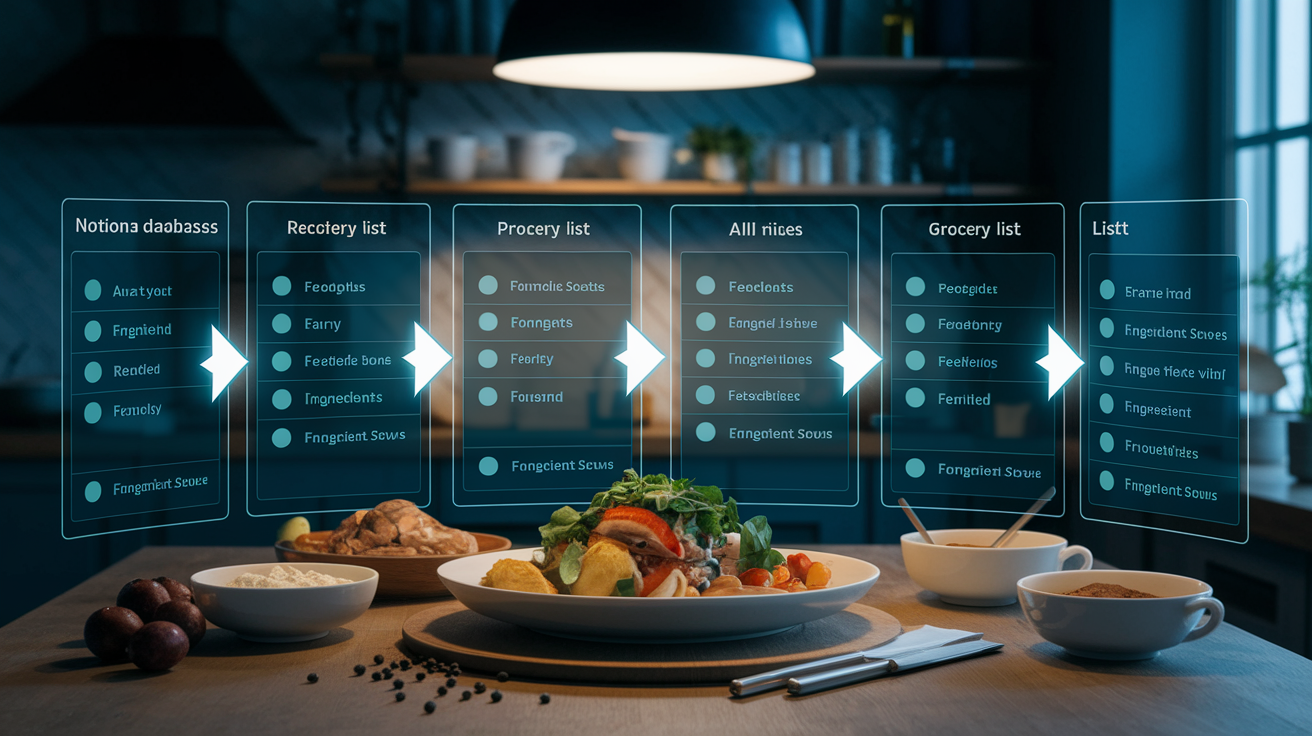
When your meal plan updates your grocery list automatically, you stop rewriting “carrots” three times. The system reads which recipes you picked for the week and knows what to buy.
Setting Up Recipe to Grocery List Automation
Start by adding an “Ingredients” property to your Recipes database. Use a relation property that links to the Grocery List database instead of plain text. Each ingredient in your recipe is a separate entry in the Grocery List database (one row for “chicken breast,” one for “garlic,” one for “soy sauce”). When you build a recipe, you select the ingredients from that list using the relation property.
In the Meal Plan database, you already have a relation to Recipes (the “Meal Name” property). Add a rollup property called “All Ingredients” that pulls from Meal Name, targets the Ingredients relation in Recipes, and shows values as a list. Now when you assign three recipes to your week, the rollup displays every ingredient from all three in one place. Copy that list to a filtered view in your Grocery List database or use it as a reference to check off items you need.
For tighter automation, use a second rollup in the Grocery List database. Add a relation property called “Used In This Week’s Meals” that links to Meal Plan. Add a rollup that pulls from that relation, checks if the ingredient appears in any of this week’s planned recipes, and shows “Yes” or “No.” Filter the Grocery List to show only items where that rollup says “Yes.” Your shopping list now updates itself every time you change the meal plan.
Organizing the grocery list by store sections (produce, dairy, meat, pantry) keeps you from zigzagging around the aisles. Add a “Category” select property to each ingredient in the Grocery List database. When you’re ready to shop, sort the list by Category and group entries so all the produce items cluster together. If your store always puts dairy in the back, you hit that section once and check off milk, yogurt, and cheese in one pass.
The Notion mobile app turns your grocery list into a live checklist. Open the Grocery List database on your phone, filter for “Purchased is unchecked,” and tap checkboxes as you drop items in your cart. The list shortens in real time. If you realize you’re out of olive oil mid shop, add it from your phone and it syncs back to your desktop workspace.
Customizing Your Notion Meal Planner for Dietary Needs
Tags and filters let you surface the meals that match your dietary restrictions without scrolling past recipes you can’t eat. Custom properties also track macros or allergens when that level of detail matters for health or performance goals.
Customization options include:
- Dietary restriction tags using multi-select properties (vegan, vegetarian, gluten free, dairy free, keto, paleo, nut free) so you can filter recipes and meal plans by what fits your needs
- Macro calculators with formula properties that add up protein, carbs, and fats per meal, pulling from number fields you fill in for each recipe
- Filtered views by diet type so each household member sees only their compatible meals (Dad’s keto view, kid’s nut free view, your high protein view)
- Allergen tracking with a multi-select property listing common allergens (peanuts, shellfish, soy, eggs, dairy), then filtering out flagged recipes
- Calorie goals using a number property per recipe and a rollup in the Meal Plan database that sums daily totals, compared against a target you set
- Portion size adjustments with a formula that scales ingredient quantities based on servings (if the recipe serves 4 but you need 6, the formula multiplies each ingredient by 1.5)
- Separate meal plan views for different diets using linked databases, so your vegan meal plan and your partner’s omnivore meal plan both pull from the same recipe database but show different subsets
Here’s how a mixed diet household might use this. One person eats vegan, the other eats keto. In the Recipes database, every recipe gets tagged with applicable diets using a multi-select property. The Meal Plan database has two linked database blocks on the same page. One filtered to show only vegan tagged recipes, the other filtered to keto tagged recipes. Both people plan their meals in their own section, but if they want to cook together, they filter for recipes tagged “vegan AND keto” (rare, but possible with creative swaps). The grocery list rolls up ingredients from both plans, and the Category property groups shared items so you’re not buying duplicates.
Updating recipes with nutritional information takes time upfront but pays off if you track macros regularly. Add number properties for Calories, Protein, Carbs, and Fats in the Recipes database. Use a nutrition calculator or the USDA database to fill in values per serving. In the Meal Plan database, add rollup properties that pull those numbers from your selected recipe, then create a formula property that sums the day’s totals. If your daily protein goal is 150 grams and Tuesday’s meals only add up to 110, you know to add a high protein snack.
Optimizing Meal Planning Workflow in Notion
Meal planning becomes automatic when you turn it into a repeating routine that fits inside the time you actually have. Structure and consistency matter more than perfection.
Weekly Meal Planning Routine
Pick a planning day and protect it. Sunday afternoons work for a lot of people, but if your weekend is chaotic, Wednesday night after the kids are in bed might be better. Block 20 to 30 minutes. Open your Meal Plan database in calendar view and look at the week ahead. Check your actual calendar for late work meetings, soccer practice, or evenings when you’ll be too tired to cook anything complicated.
Start by checking your pantry and fridge. Open the Ingredient Inventory database (if you built one) or just glance at what you have. If you’ve got half a bag of rice and a full container of black beans, plan a burrito bowl. If the cauliflower in your crisper is two days from going soft, find a recipe that uses it. Notion lets you add a “Use Up” tag to recipes so you can filter for meals that rescue ingredients before they spoil.
Select recipes based on your week’s reality. Monday is a long day so you pick a 20 minute sheet pan chicken. Wednesday you have time so you schedule the slower braised short ribs. Friday is pizza night, always, so you add that. Drag each recipe onto its day in the calendar view or assign it using the Date property in table view. If you’re feeding a family, check that the mix of meals works (not all new recipes, not all the same protein three nights in a row).
Generate the grocery list by opening your Grocery List database and filtering for ingredients that appear in this week’s meal plan. If you set up rollups and relations properly, this happens automatically. If not, manually scan your planned recipes and add items to the list. Cross check your pantry so you’re not buying garlic powder when you have three jars.
Schedule your prep time. If you batch cook on Sundays, add a toggle list under your Meal Plan page with Sunday prep tasks (chop all the vegetables, cook rice for three meals, marinate chicken, portion snacks). If you prep the morning of, add a reminder in Notion or set a phone alarm. The system works better when cooking steps are broken into smaller chunks instead of one overwhelming Sunday marathon.
Database templates eliminate repetitive setup. If you eat the same breakfast every weekday and rotate between five standard dinners, create a “Default Week” template in your Meal Plan database. Duplicate it every Sunday and only swap out two or three meals. The rest auto fills. If “Meatless Monday” or “Taco Tuesday” is a real thing in your house, hard code those into the template so you’re never starting from a blank calendar.
Linked databases let you access your full recipe collection from multiple pages without copying it. Add a linked database block to your weekly planning page that shows the Recipes database in gallery view, filtered to “Quick Meals” or “Family Favorites.” Drag a recipe directly from that block onto your meal calendar. The same recipe database lives in your main Meal Planner page, your grocery page, and any other page where you need it, but you only update it in one place.
Integration with Notion’s built in calendar helps you remember prep and cooking steps. If you need to defrost chicken on Wednesday for Thursday’s dinner, create a reminder on Wednesday morning. Use toggle lists inside each day’s meal entry for step by step instructions (defrost protein, chop vegetables, start rice cooker, set table). Check them off as you go.
Mobile access makes mid week adjustments easy. If you’re stuck in traffic and dinner needs to be faster, open the Meal Plan on your phone, swap Thursday’s slow cooked stew for a 15 minute stir fry, and update the grocery list if needed. Notion syncs across devices so the change shows up on your laptop when you get home.
Advanced Notion Meal Planner Features
Once the basics are running smoothly, advanced features add precision for tracking costs, hitting nutrition targets, or automating repetitive tasks.
Power user features include:
- Cost tracking with a formula property in the Recipes database that sums ingredient prices (add a “Price” number field to each ingredient in your Grocery List database, then use a rollup and formula to calculate total recipe cost and cost per serving)
- Nutritional rollups that calculate weekly macro totals by using a rollup property in a “Weekly Summary” section that pulls protein, carbs, and fats from every meal planned that week
- Button automations (available in Notion’s paid plans) that duplicate your weekly meal plan template with one click, or reset all checkboxes in your grocery list to “unchecked” at the start of a new week
- Progress bars for budget and calorie goals using formula properties that compare your current spend or calorie total against a target, displayed as a visual percentage or bar chart in a dashboard view
- Integration with external tools by embedding a grocery app widget (like Mealime or AnyList) using Notion’s embed block, or exporting your grocery list as a CSV to import into other apps
- Meal inspiration board using a gallery view with cover images, filtered by tags like “comfort food” or “summer grilling,” so you browse visually when you’re stuck for ideas
Here’s a specific cost tracking formula. In your Grocery List database, add a “Price” number property (enter the cost per unit, like $4.99 for a pound of chicken). In your Recipes database, add a rollup property that pulls from the Ingredients relation and sums all the Price values. Call it “Total Recipe Cost.” Then add a formula property called “Cost Per Serving” that divides Total Recipe Cost by the Servings number property. The result is cost per serving, like $3.21 per plate. In your Meal Plan database, add a rollup that pulls Cost Per Serving from your selected recipes and sums them for the week. Now you see weekly grocery spend before you shop.
Using gallery view with cover images turns your recipe database into a visual cookbook. Add a Files property to Recipes and upload a photo of each finished dish. Switch to gallery view, set the cover to show the image, and suddenly picking meals feels less like database work and more like flipping through a magazine. Filter the gallery by “Under 30 Minutes” or “High Protein” and scroll until something looks good.
Notion’s calculation constraints mean complex nutritional breakdowns (micronutrients, vitamin percentages, detailed allergen cross contamination) are hard to manage. For those needs, use an external tool like MyFitnessPal or Cronometer, export your meal plan from Notion as a text list, and manually input it into the other app. Notion excels at organizing and planning but isn’t a nutrition calculator. External tool integrations via embed blocks let you view other apps inside Notion pages, but data doesn’t sync both ways automatically.
Final Words
Grab a ready-made template, tweak it, or build one from scratch, and the post shows how.
You saw where to download templates, how to duplicate them, and which features save time.
We covered recipe databases, calendar views, grocery automation, dietary tags, and cost or nutrition rollups.
You also got simple workflow tips for weekly planning and mobile shopping so it feels doable.
Take one small step: duplicate a free template, link a recipe, or set a weekly plan.
Try a notion meal planner this week and watch how much time it gives back.
FAQ
Q: Why use ready-made Notion meal planner templates instead of building from scratch?
A: Using ready-made Notion meal planner templates saves time and gives a tested structure—databases for recipes, calendars, and grocery lists—so you can start planning fast and tweak as needed.
Q: Where can I find free Notion meal planner templates?
A: Free Notion meal planner templates are available in Notion’s template gallery, from community creators, and on third-party sites—duplicate one into your workspace and customize for your needs.
Q: How do I duplicate and install a Notion meal planner template?
A: Duplicating a Notion meal planner template means clicking “Duplicate” on the template page, choosing your workspace, then opening the page and linking its recipe, plan, and grocery databases.
Q: What key features should a quality Notion meal planner template include?
A: A quality Notion meal planner template includes a recipe database, weekly calendar, grocery list integration, meal prep scheduler, nutritional tracking, and tags/filters for diet and cook time.
Q: How do I connect recipes to grocery lists automatically in Notion?
A: Connecting recipes to grocery lists uses relation properties and rollups: link recipe ingredients to your meal plan and rollup those relations to aggregate a master shopping list with totals.
Q: Can Notion meal planners track nutrition and costs?
A: Notion meal planners can track nutrition and costs using formula and rollup properties to sum macros or ingredient prices, though deeper analysis may need external tools.
Q: How can I customize a Notion meal planner for dietary restrictions?
A: Customizing a Notion meal planner for dietary restrictions uses multi-select tags, filters, and person properties to separate diets, plus formula fields to calculate macros per recipe or meal.
Q: What workflow helps keep weekly meal planning manageable in Notion?
A: A simple weekly workflow: pick a planning day, check pantry, pick recipes, generate the grocery list, schedule prep, and reuse a weekly template to speed the process.
Q: Can I use Notion meal planners on my phone while shopping?
A: Notion meal planners work on mobile: open your grocery list in the app, check off items with checkboxes, and adjust plans on the go while you shop.
Q: What advanced features are worth adding to a Notion meal planner?
A: Advanced features worth adding are cost-per-serving formulas, weekly macro rollups, button automations to duplicate weeks, progress bars for goals, and gallery covers for visual inspiration.

