

Tired of asking “what’s for dinner” every night and wasting time on recipe hunts?
A meal plan generator can build a custom weekly menu in minutes, swap meals, and make a grocery list for you.
No guesswork, less waste, and often automatic nutrition totals.
This post walks through the best automated tools right now, what they do differently, and how to pick one that fits your routine.
You’ll get simple setup steps and quick decision rules so you can stop guessing and start cooking.
The Best Automated Tools for Creating Meal Plans Right Now

Automated meal plan generators save you from staring at recipe blogs or standing in the kitchen wondering what to cook. These tools pull from recipe databases, track your nutrition, let you drag meals around a weekly calendar, and build shopping lists without you lifting a finger. Most offer free versions. Paid plans usually run $5 to $20 a month.
The platforms below cover different needs. Some focus on macro tracking for bodybuilders, others help families use up what’s already in the fridge. A few lean heavily on AI to suggest recipes based on your past choices. Others let you build a week from scratch. And some do both.
Here’s what’s out there:
Eat This Much – AI generates entire meal plans from your calorie and macro targets. Supports keto, paleo, vegan, and vegetarian filters. Includes a grocery list and recipe scaling. Free version available, premium $9/month. iOS, Android, and web.
Mealime – Quick recipes, most under 30 minutes. Builds personalized plans based on household size, diet type, and dislikes. Generates organized shopping lists. Free plan, pro version $6/month. iOS and Android.
PlateJoy – Uses a detailed questionnaire to customize plans. Integrates with Instacart for one-click grocery delivery. Offers family-style and single-serving options. Starts at $12.99/month with a free trial. Web and mobile app.
Paprika – Recipe manager with meal planning calendar. You add recipes from any website, schedule them, and auto-generate shopping lists. No AI suggestions, full manual control. One-time purchase around $5 per platform (iOS, Android, Mac, Windows).
Plan to Eat – Drag-and-drop calendar for scheduling recipes. Imports recipes from any URL. Creates categorized shopping lists. Free 30-day trial, then $4.95/month or $39/year. Web, iOS, and Android.
Feature Comparison of Popular Meal Planning Platforms
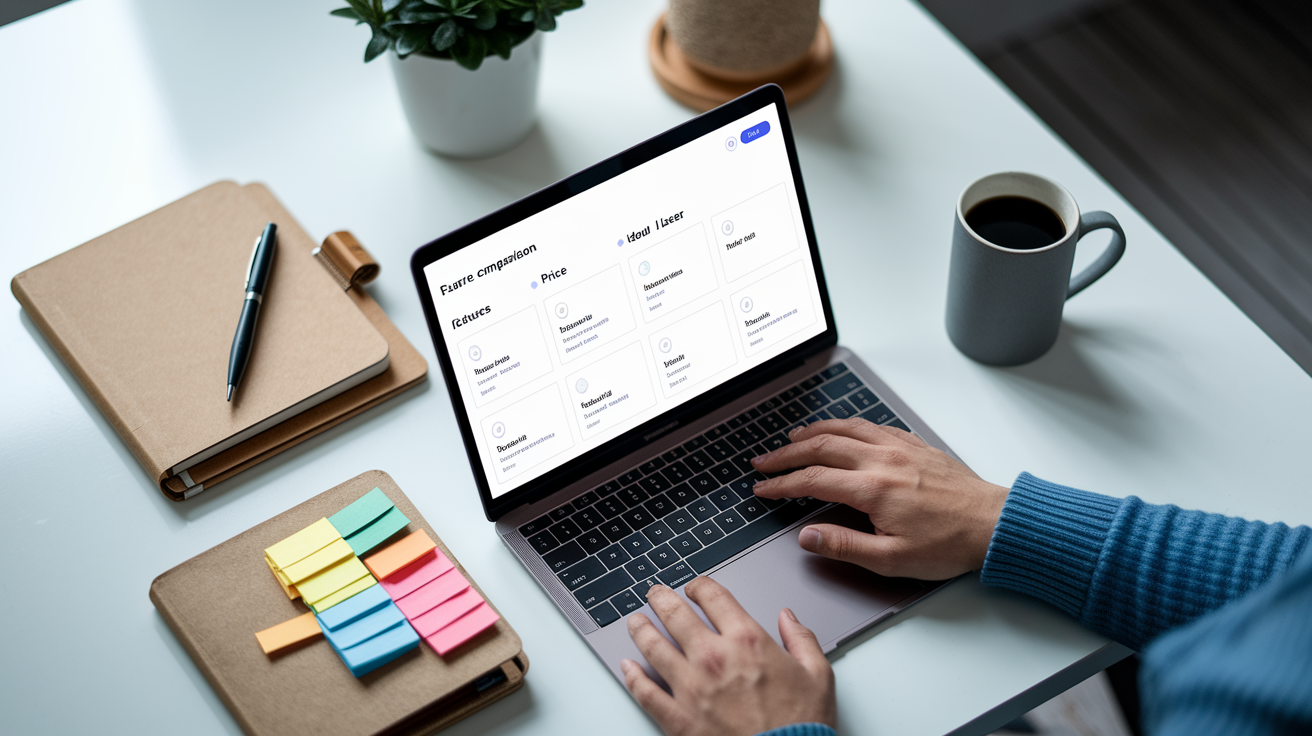
Comparing features helps you skip tools that don’t fit your routine. If you’re tracking macros for performance, you need built-in nutrition data and adjustable targets. Feeding a family on a tight schedule? You want fast recipes, kid-friendly filters, and a clean grocery list you can hand to anyone. If you cook from what’s already in the pantry, look for tools that let you input ingredients and generate recipes around them.
| Tool | Key Features | Price | Ideal User |
|---|---|---|---|
| Eat This Much | AI meal generation, macro tracking, diet filters (keto, paleo, vegan), grocery list, recipe scaling | Free; $9/month premium | Macro counters, bodybuilders, anyone tracking specific nutrition targets |
| Mealime | Quick recipes (under 30 min), personalized plans, household size adjustment, organized shopping lists | Free; $6/month pro | Busy families, weeknight cooks, people who dislike meal prep |
| PlateJoy | Detailed preference quiz, Instacart integration, family and single-serving plans, allergen filters | $12.99/month, free trial | Households prioritizing convenience and grocery delivery |
| Paprika | Recipe manager, manual meal calendar, shopping list auto-generation, offline access, no subscriptions | ~$5 one-time per platform | Users who prefer full control, hate subscriptions, and already have favorite recipes |
| Plan to Eat | Drag-and-drop calendar, recipe import from any URL, categorized shopping lists, meal notes | $4.95/month or $39/year, 30-day trial | Home cooks who collect recipes online and want simple scheduling |
How to Choose the Right Meal Plan Generator for Your Needs
Start by matching the tool to your actual cooking pattern, not the one you wish you had. If you realistically cook three nights a week and eat leftovers or takeout the rest, pick a planner that handles partial-week schedules and leftover tracking. Meal prep on Sundays? Look for batch cooking support and portion scaling.
Your dietary needs and household size matter more than feature lists. A solo lifter tracking macros needs different tools than a parent feeding two picky kids and a dairy-free partner. Make sure the platform covers your must-have filters, whether that’s low sodium, nut-free, vegan, or budget-friendly recipes. If you’re the only one cooking, app complexity is fine. But if other people in the house need to follow the plan, the interface has to be simple enough that they’ll actually use it.
Budget and commitment level also guide the choice. Free tiers work well if you’re willing to build plans manually or tolerate ads. Paid plans make sense when automation saves you real time each week. Like auto-generating a grocery list you’d otherwise write by hand, or syncing recipes to a fitness tracker. If you’re not sure yet, start with a free trial or freemium version and upgrade only when you notice yourself using it three or more times a week.
Factors to evaluate:
Dietary restrictions and allergy filters your household needs
Average cooking time you have per meal (quick recipes vs. longer projects)
Household size and whether you’re cooking for one, two, or a family
Macro or calorie tracking requirements
Grocery delivery integration or preference for manual shopping lists
Free vs. paid tolerance, and whether you’ll actually use premium features
Step-by-Step: Creating Your First Auto‑Generated Meal Plan

Most meal plan generators follow the same basic setup. You’ll answer a few questions, set your targets, let the tool build a week of meals, tweak anything that doesn’t fit, and export a shopping list. The whole process takes about ten minutes the first time. Faster once your preferences are saved.
-
Sign up and choose your diet type (omnivore, vegetarian, vegan, keto, paleo, etc.).
-
Enter your calorie target or let the tool estimate based on age, weight, activity level, and goals.
-
Set macronutrient ratios if you’re tracking protein, fats, and carbs (or skip this step and let the tool use defaults).
-
Add any allergies, foods you dislike, and ingredients you want to avoid.
-
Select how many meals per day you want planned (most tools default to three meals, some let you add snacks).
-
Click “Generate Plan” and review the week of recipes the tool suggests.
-
Swap out any meals you don’t want to cook, adjust portion sizes, and export the final grocery list to your phone or print it.
Once the plan is live, you can edit individual recipes, move meals around the calendar, or regenerate the entire week if nothing looks good. Most platforms let you save favorite recipes so they appear more often in future plans. If the first generated plan feels off, try tweaking your calorie range or excluding one more ingredient. The tools get better at suggesting meals as they learn what you actually cook.
Benefits of Using an Automated Meal Planner
The biggest advantage is time. Instead of spending an hour every Sunday flipping through cookbooks or scrolling recipe sites, you get a full week of meals in a few clicks. That hour goes back into your weekend. Daily “what’s for dinner” decisions disappear. You open the app, see tonight’s recipe, and start cooking.
Automated planners also cut food waste and spending. When the tool builds your grocery list from the week’s meals, you buy only what you’ll actually use. No more random produce rotting in the crisper drawer or duplicate cans of tomatoes because you forgot what was already in the pantry. Portion control improves too. Many generators let you scale recipes for two people or a family of five, so you’re not cooking too much and tossing half of it three days later.
Nutrition tracking becomes passive. If you’re watching sodium, sugar, or protein, the planner shows those numbers for each meal and keeps a running daily total. You’re not manually adding up grams or looking up nutrition facts. The tool does it while you’re deciding between chicken stir-fry and sheet-pan salmon. Over time, that steady visibility helps you build better eating patterns without feeling like you’re on a rigid diet.
Mobile App Options for On-the-Go Meal Planning
Mobile apps let you check tonight’s recipe while you’re still at work, add last-minute ingredients to the shopping list from the grocery store parking lot, and share the weekly plan with anyone else cooking in your household. Most platforms now offer iOS and Android versions that sync with the web dashboard. Changes you make on your phone show up everywhere.
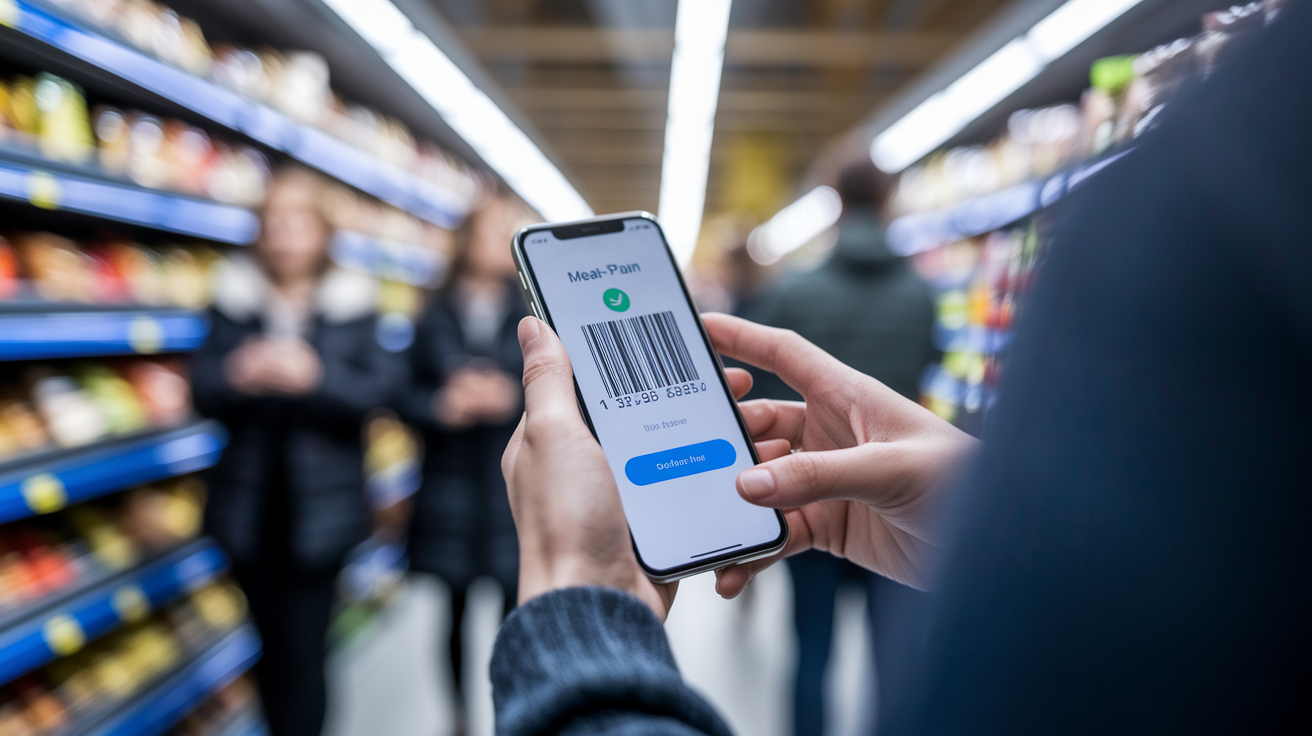
The best apps work offline once your plan is downloaded. If you lose signal in the store or your kitchen has weak Wi-Fi, you can still pull up the recipe steps and ingredient list. Some apps add barcode scanning. You scan an item you already own, the app checks it against your grocery list, and removes it automatically. A few platforms support shared family accounts, so your partner or older kids can see the plan, mark meals complete, or swap a recipe without texting you.
Features to look for in a mobile meal planner:
Offline access to saved recipes and current week’s plan
Barcode scanner for checking off grocery items you already have
Shared household accounts so multiple people can edit the plan
Push notifications or reminders for prep tasks, defrosting meat, or starting dinner on time
Final Words
We jumped right into the top automated tools, then compared features, showed how to pick the right one, and walked you through creating your first plan step by step. We also covered the main benefits and which mobile features matter.
If you want a quick next move, try a free tier and test one or two platforms for a week. Pay attention to grocery lists, dietary filters, and how easy the calendar is to edit.
Try a meal plan generator, tweak it for your routine, and enjoy less mealtime stress.
FAQ
Q: Can ChatGPT create a meal plan?
A: ChatGPT can create a meal plan tailored to your goals and preferences. Give diet, calories, dislikes, and time constraints. It provides recipes, schedules, and grocery lists, but won’t sync with apps or track real-time nutrients.
Q: What is the 3 3 3 rule for eating?
A: The 3-3-3 rule for eating is not one fixed standard; commonly it’s a simple structure: three meals, three snacks, and three servings of produce, or eating roughly every three hours to steady energy.
Q: What is the best meal plan generator?
A: The best meal plan generator depends on your goals and budget; pick one with dietary filters, grocery-list export, and AI menu options. Try free trials and choose the tool that saves time and fits your cooking level.
Q: What’s the best meal plan for diabetics?
A: The best meal plan for diabetics focuses on consistent carbohydrate amounts, fiber-rich carbs, lean protein, healthy fats, and regular meal timing. Work with a clinician or dietitian to set carb targets and medication timing.

